Power BI Reports
Access to the Budget and Finance Power BI Reports is automatically granted to unit officers, fiscal officers, and fiscal officer delegates. Access is also granted based on a user's responsibilities in AIS. To gain access to a unit in the Power BI reports and AIS, please complete the AIS User Form and process it through Accounting Services.
To access the Budget and Finance Power BI Reports, navigate to the Power BI Team in Microsoft Teams:
Guides to each Power BI report will be found under the "Shared" tab in the Power BI Team:
To open the reports, go to the "Main Menu" tab, then click on the "Budget and Finance" category:
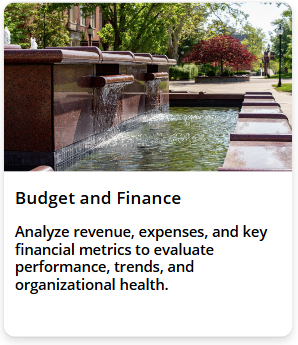 The right side of the page will show the budget and finance reports you can access. Click the arrow next to the report to open it.