Power BI Reports
Access to the Budget and Finance Power BI Reports is automatically granted to unit officers, fiscal officers, fiscal officer delegates, and those who previously had access to PLABIS. Unit officers, fiscal officers, and fiscal officer delegates can grant access to other users in the system. Please contact the Budget Office at budget@siu.edu with any questions.
To access the Budget and Finance Power BI Reports, navigate to the Power BI Team in Microsoft Teams:
Guides to each Power BI report will be found under the "Shared" tab in the Power BI Team:
To open the reports, go to the "Main Menu" tab, then click on the "Budget and Finance" category:
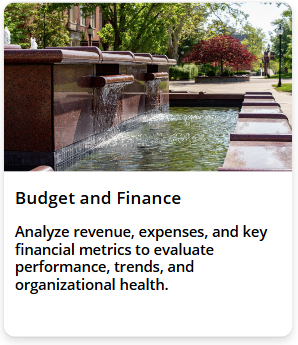 The right side of the page will show the budget and finance reports you can access. Click the arrow next to the report to open it.